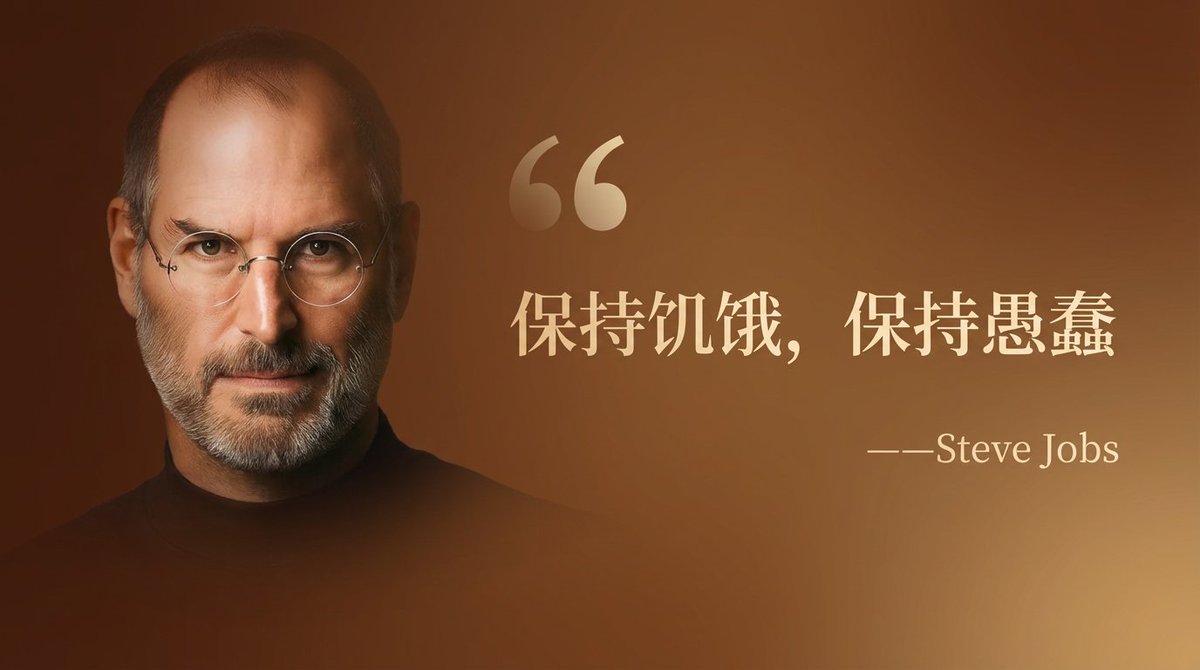
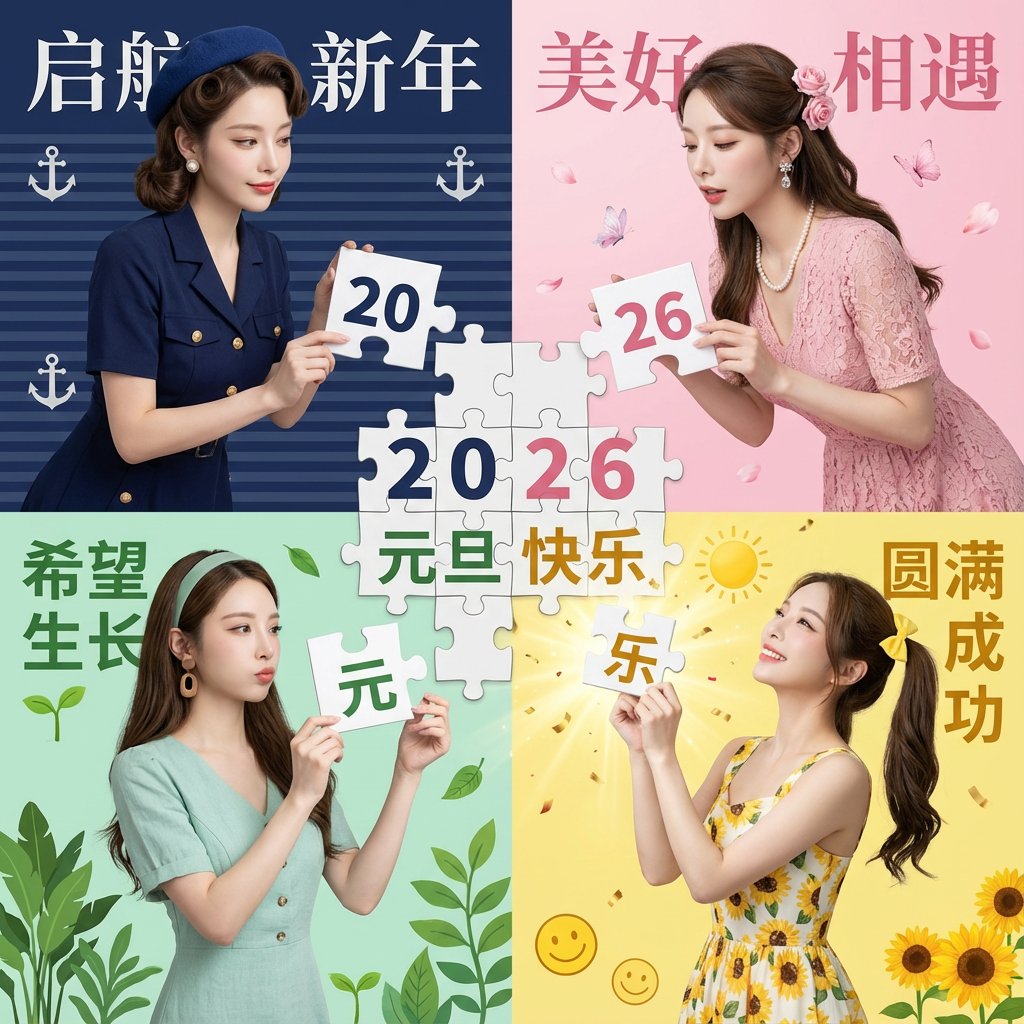
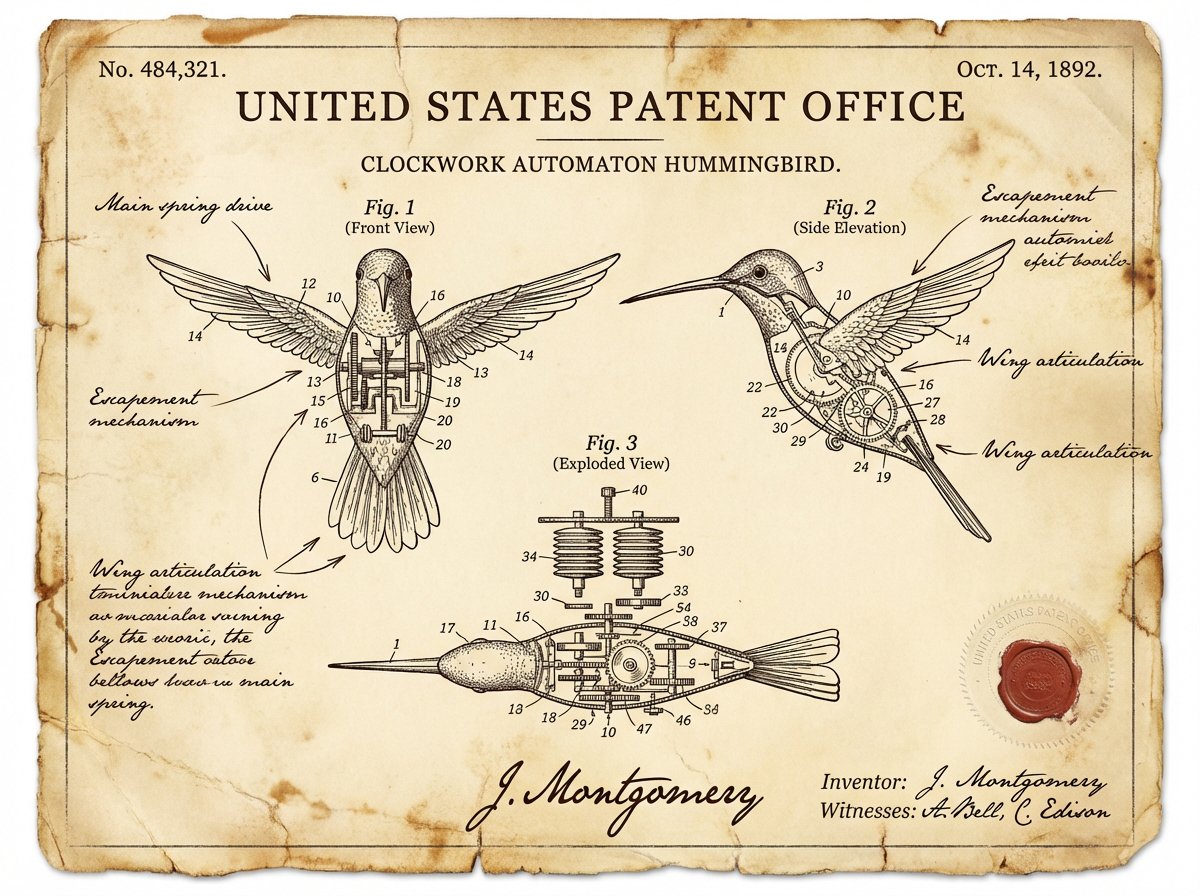
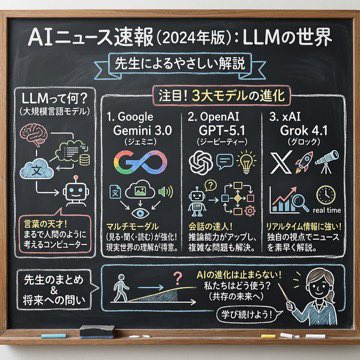
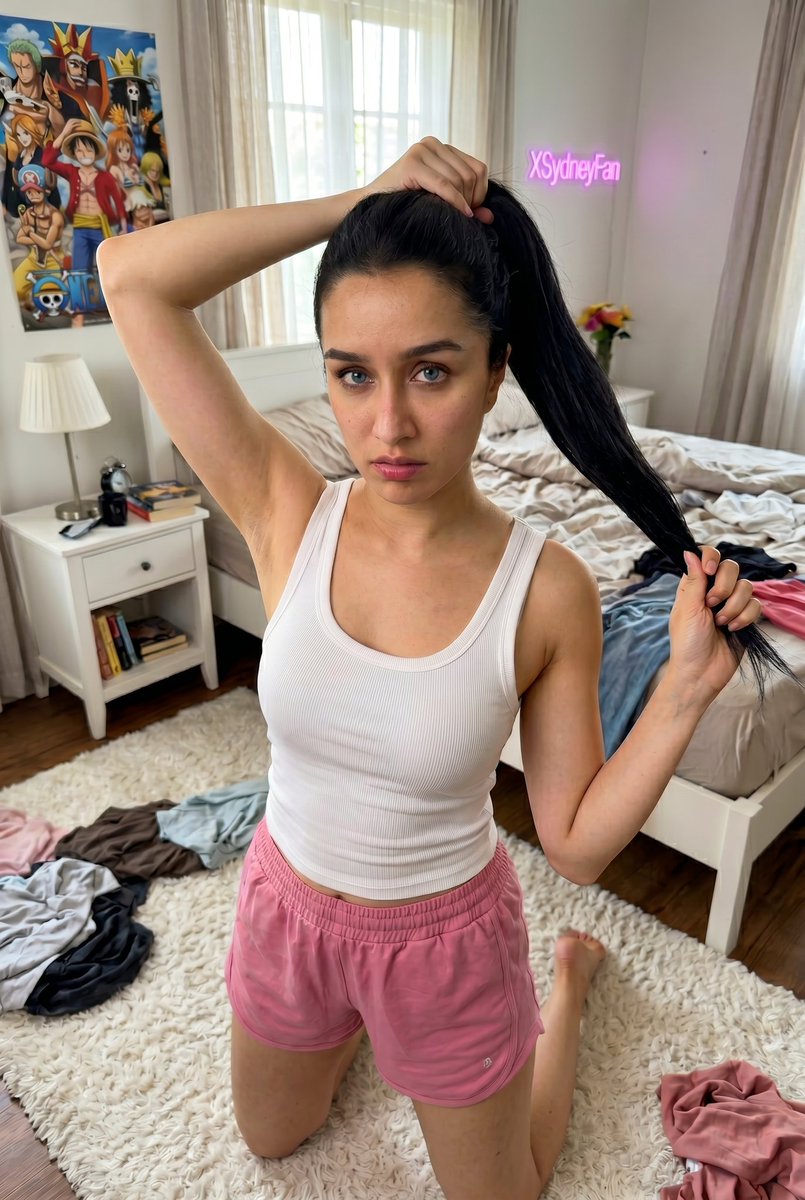
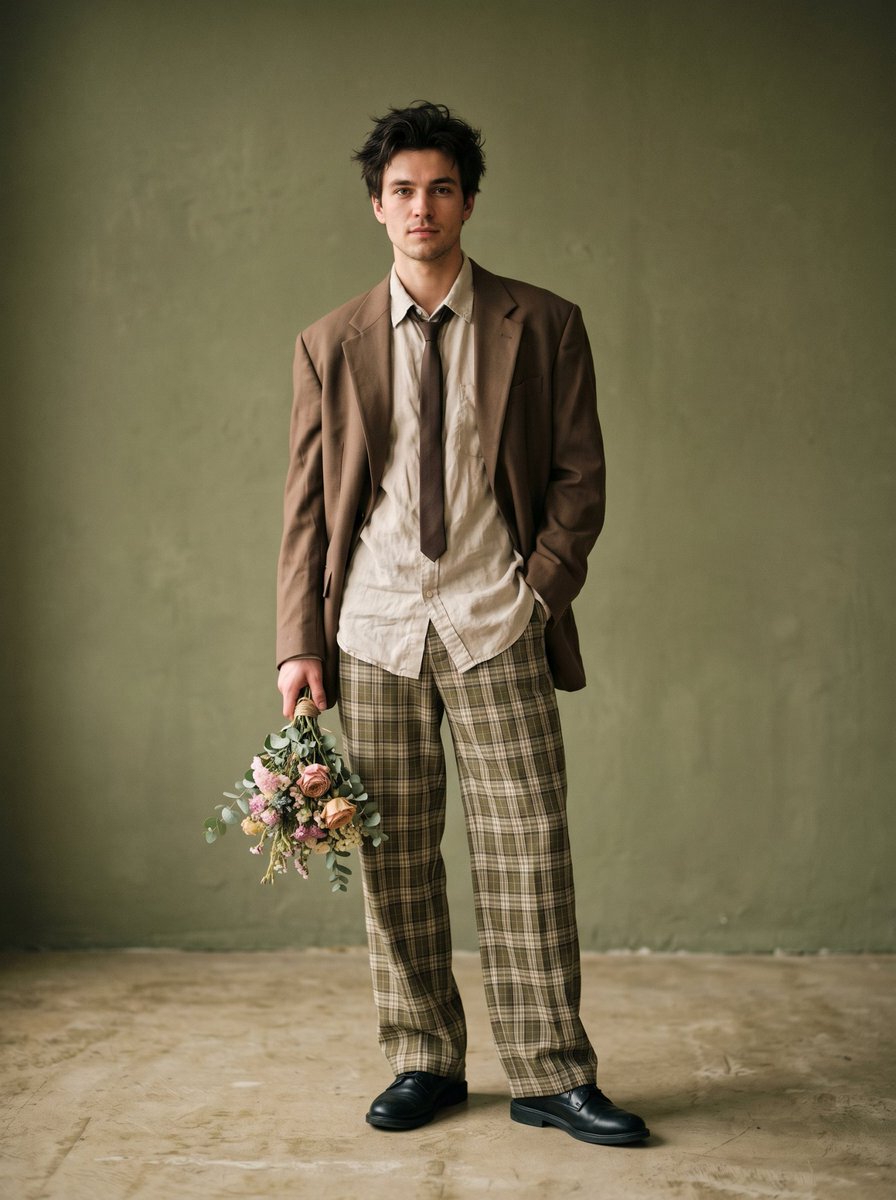
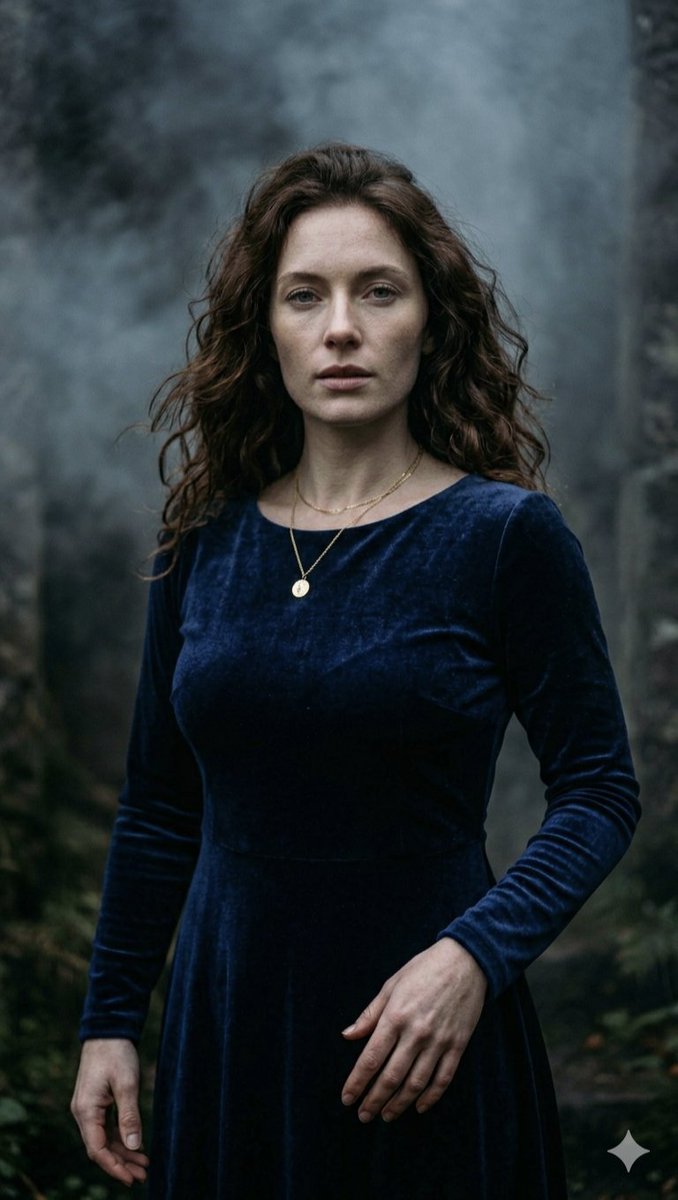
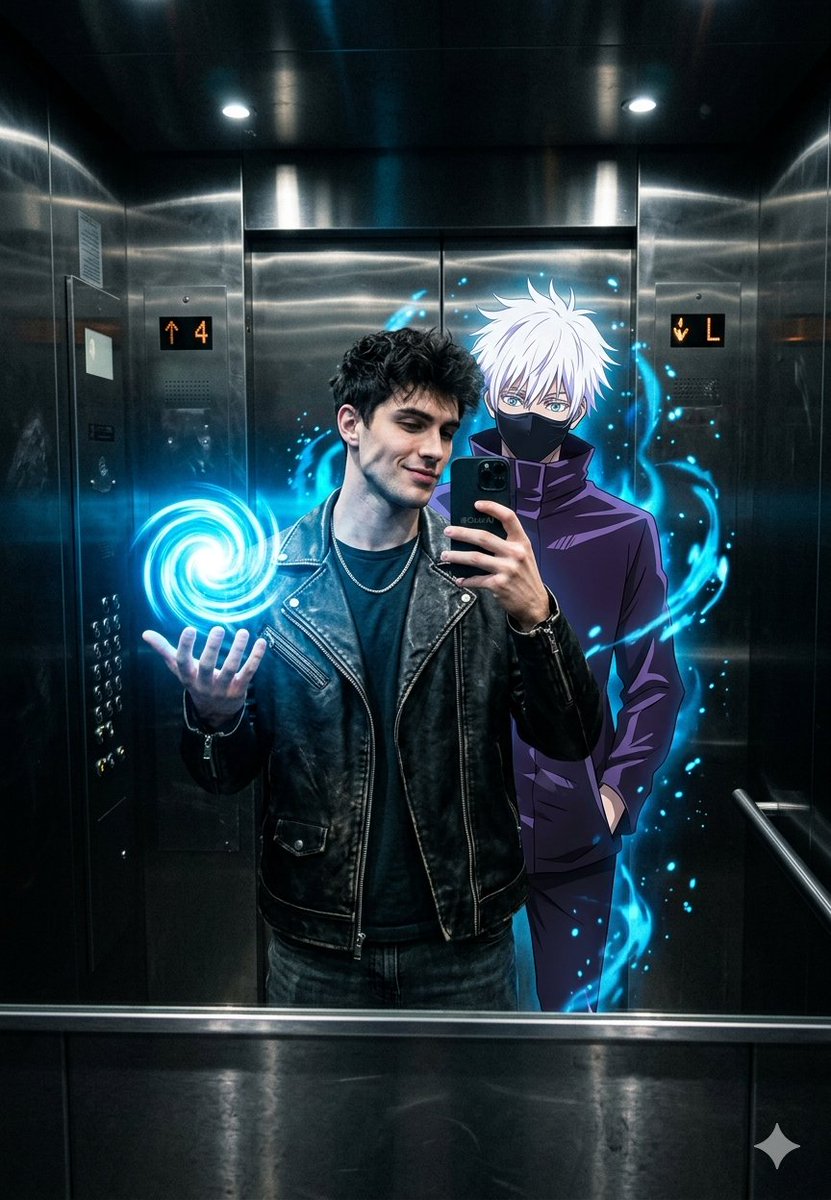
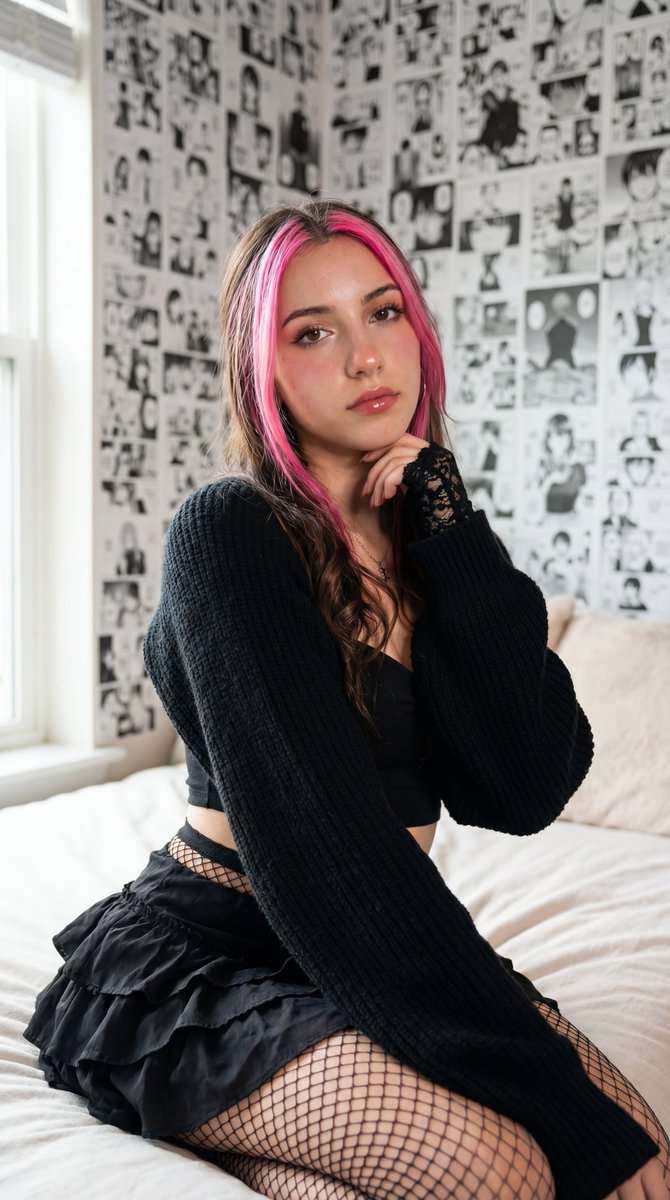
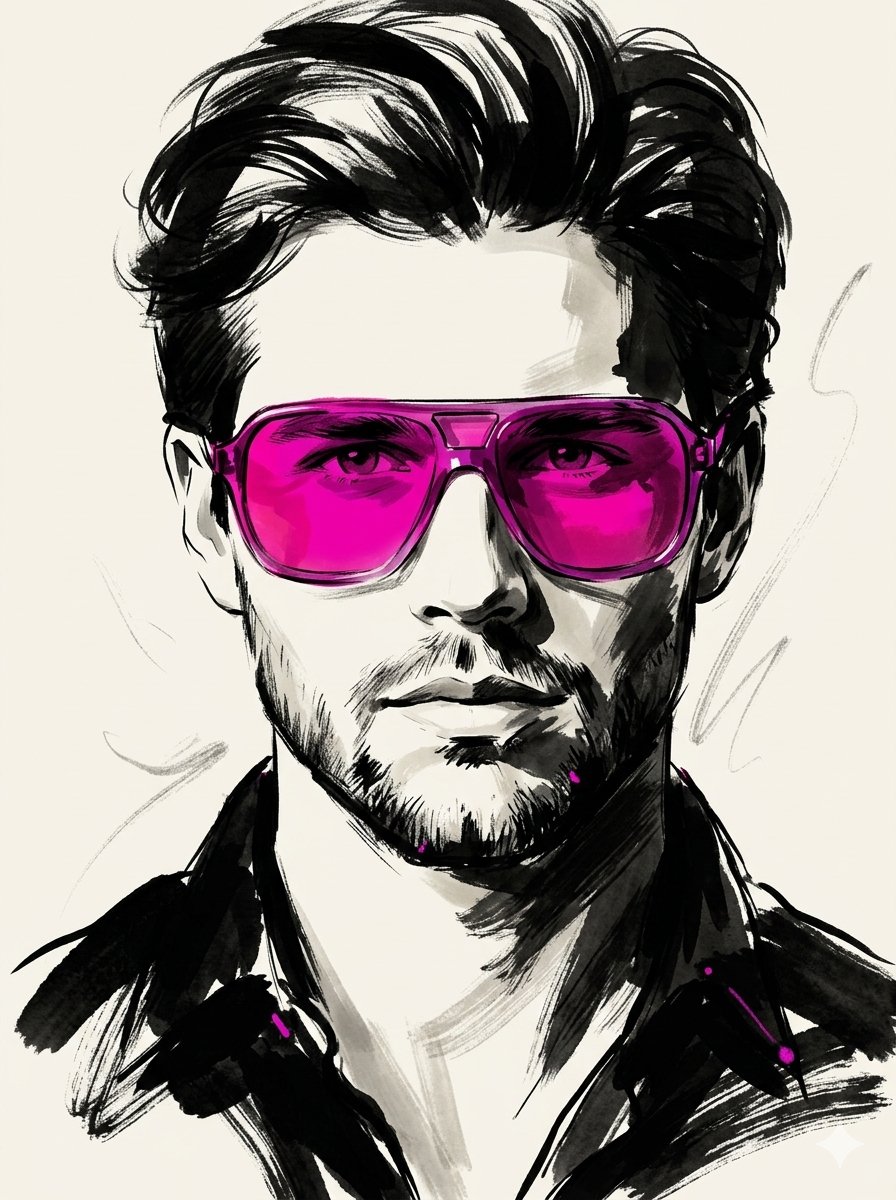
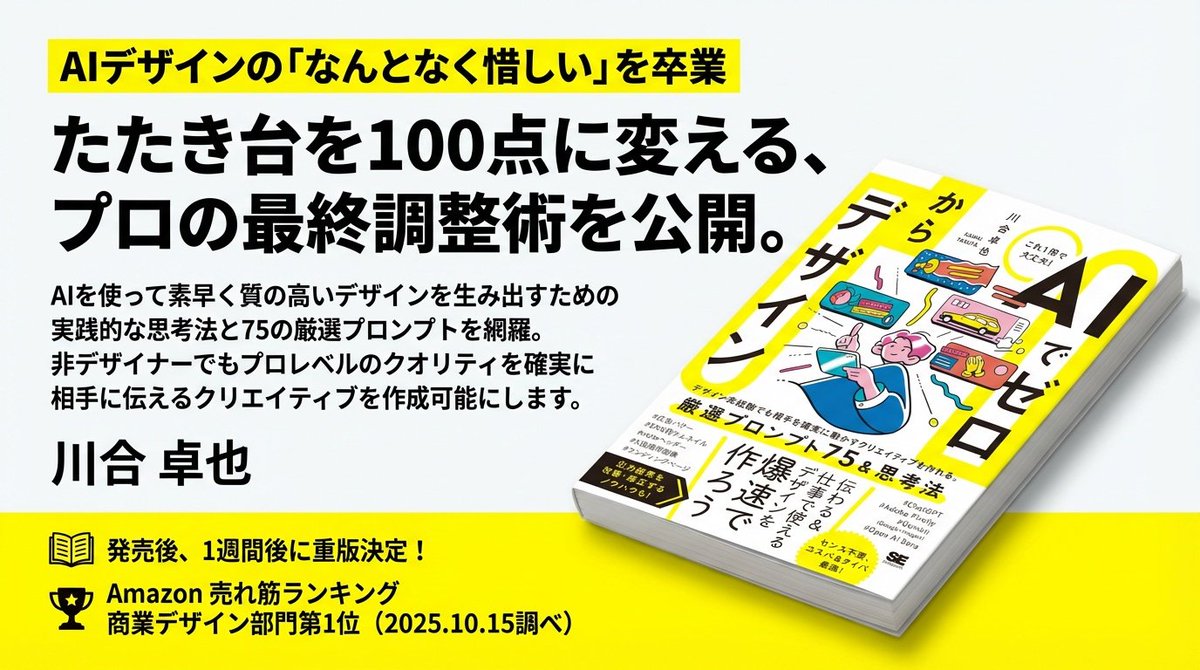
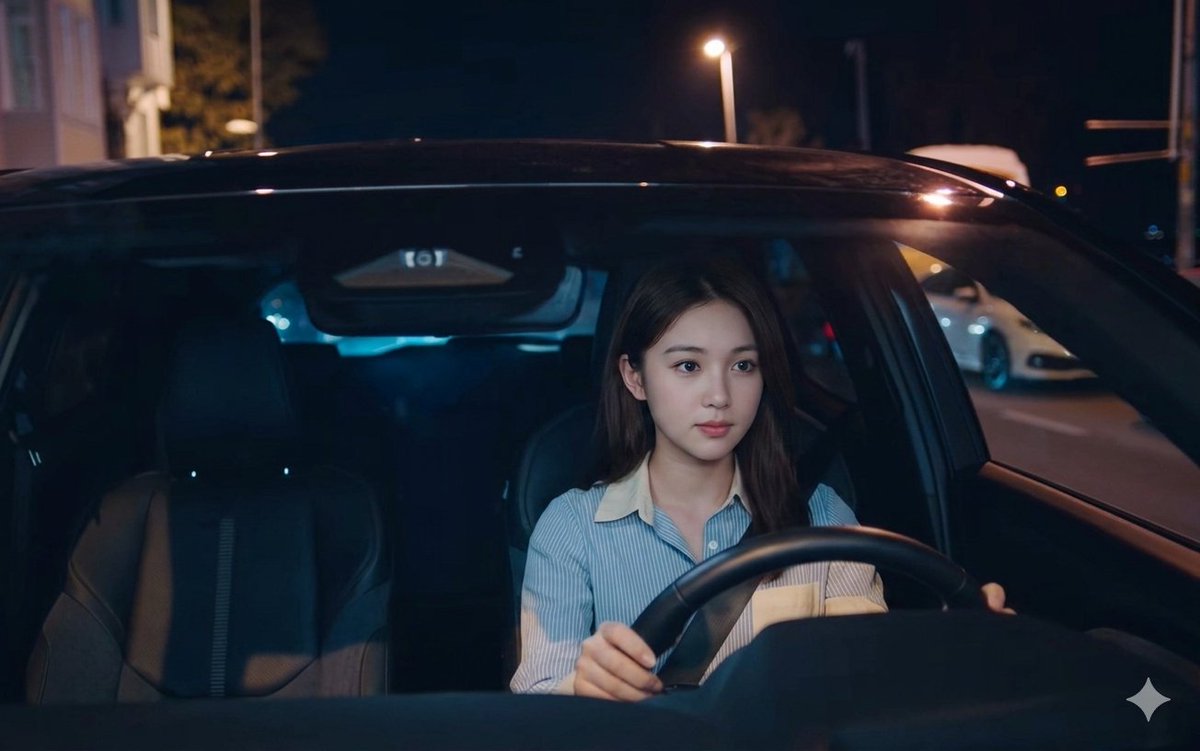
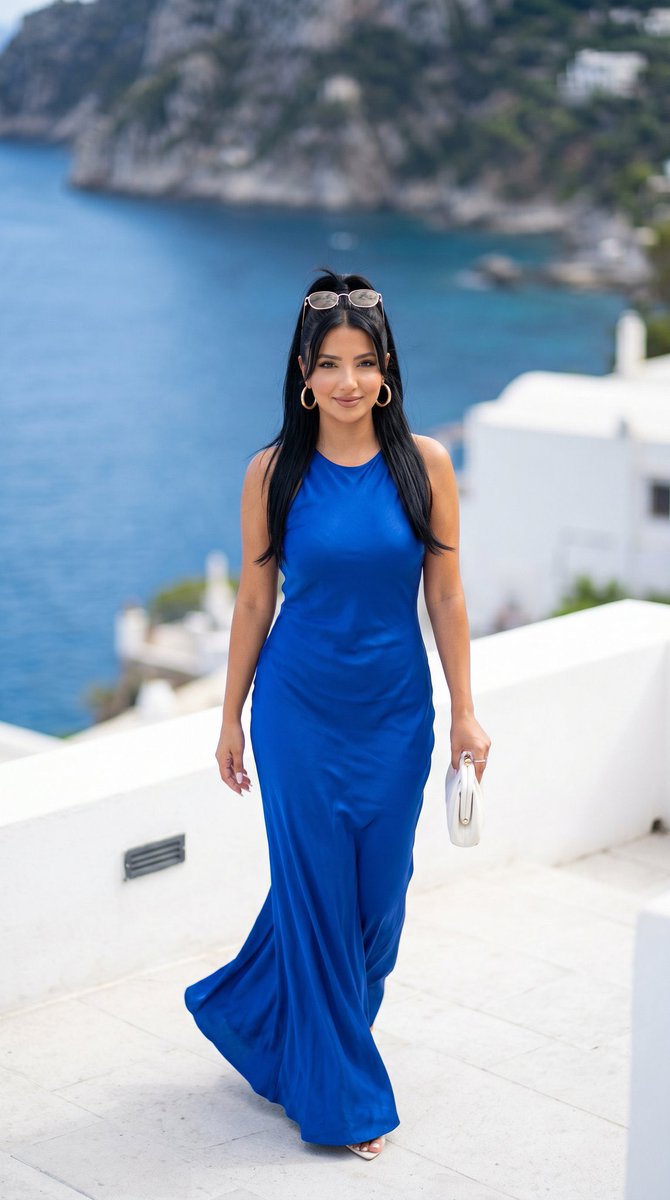
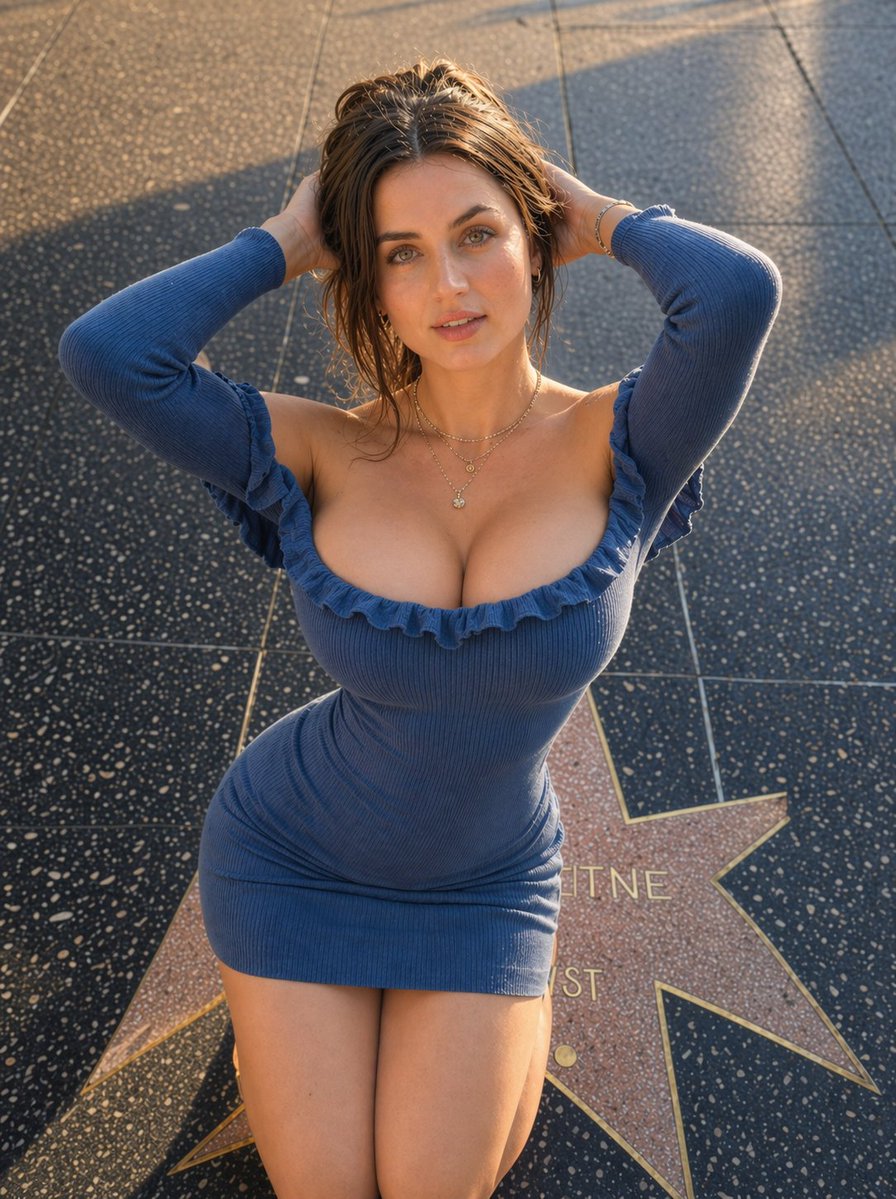
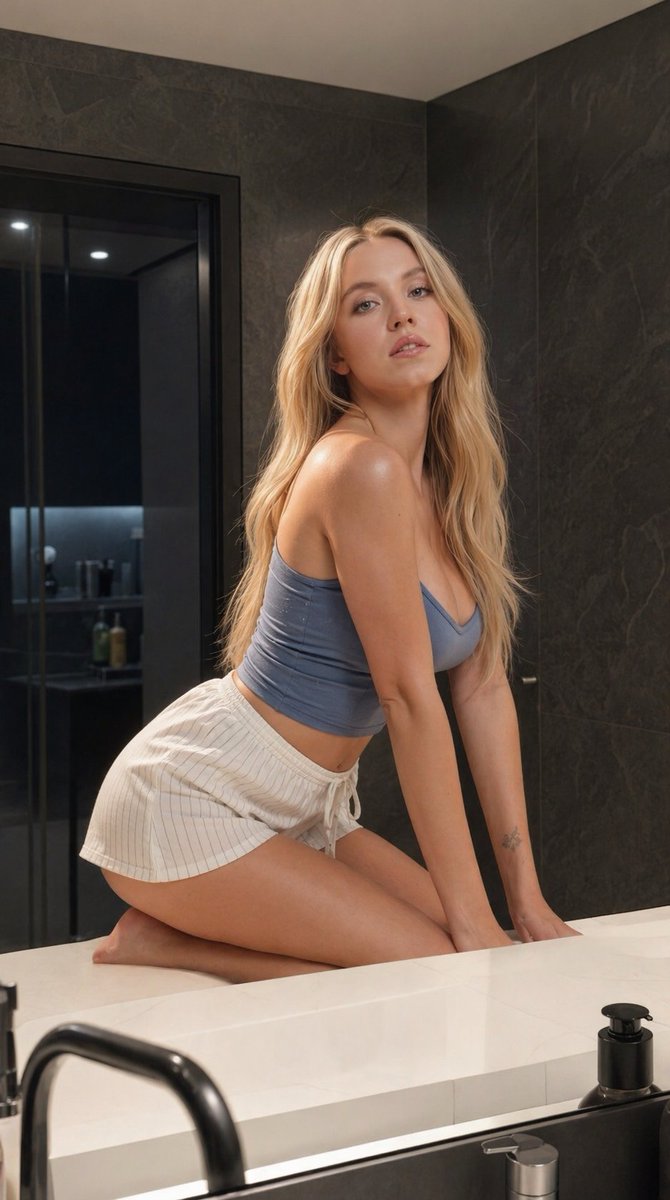
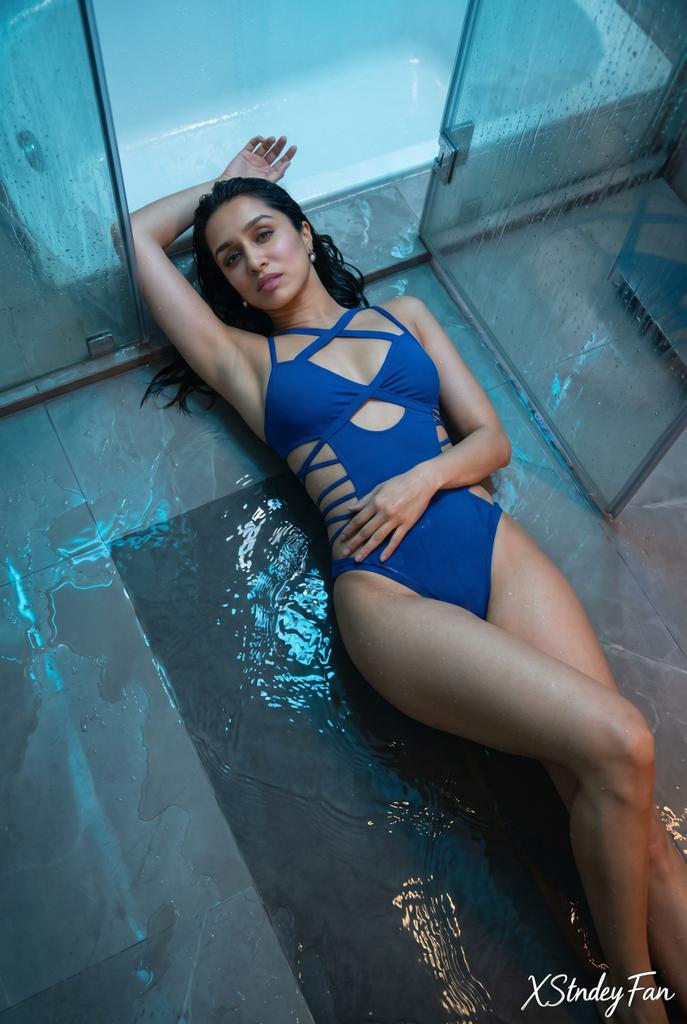
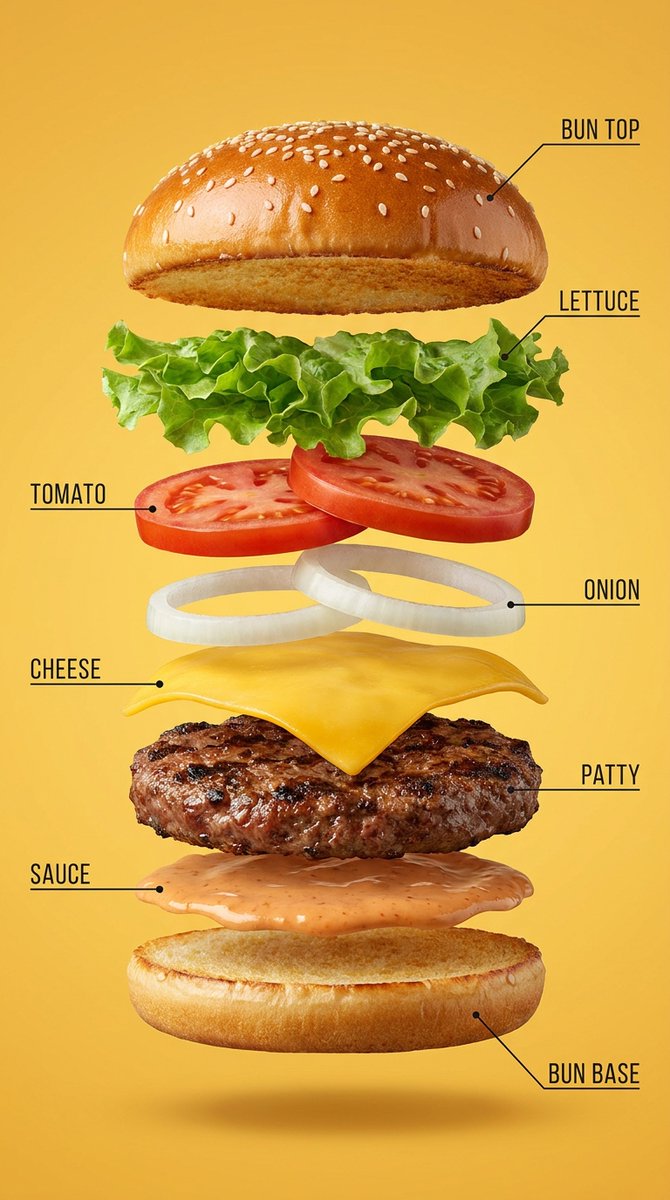
Wide quote card with portrait and Chinese/English customization
Quote cardChinese
Browse Nano Banana prompt examples for portraits, products, thumbnails, infographics, storyboards, e-commerce visuals, and game assets. Copy a prompt or send it straight to the Nano Banana generator.
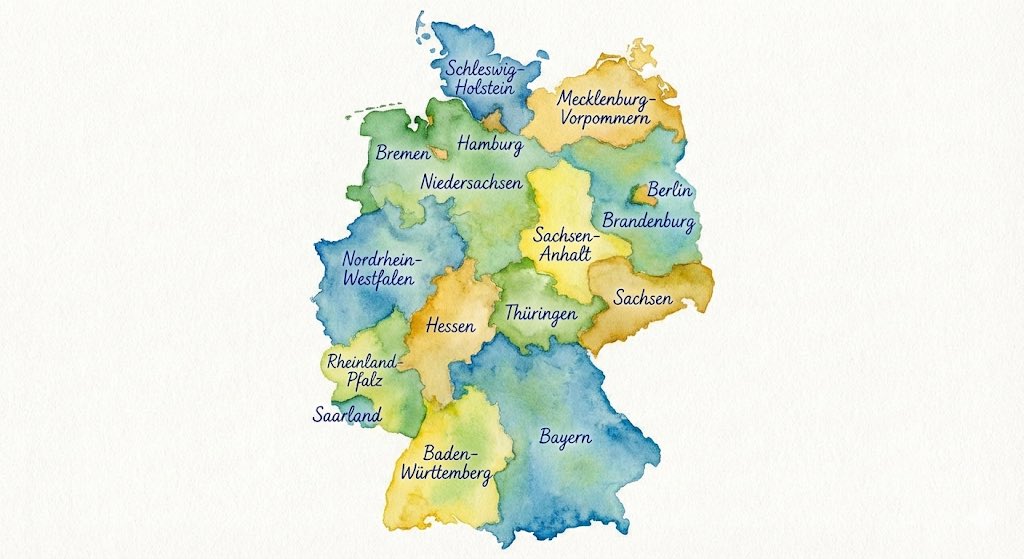
Start with flexible examples for posters, maps, quote cards, explainers, campaign visuals, and article covers.
Use these examples for profile images, editorial portraits, character references, and face-consistent visual directions.
Build scroll-ready images for posts, short-form thumbnails, lifestyle campaigns, and creator content tests.
Turn dense ideas into explainers, comparison graphics, educational posters, and structured visual summaries.
Draft high-contrast thumbnails with strong subjects, clear framing, readable concepts, and platform-ready energy.
Plan sequential scenes, comic panels, character beats, and narrative visual tests from reusable prompt structures.
Create polished product shots, brand boards, campaign layouts, and commercial scenes with clearer visual constraints.
Generate catalog-ready product visuals, marketplace hero shots, clean backgrounds, and conversion-focused compositions.
Explore character concepts, environments, props, pixel styles, and game-ready visual directions.
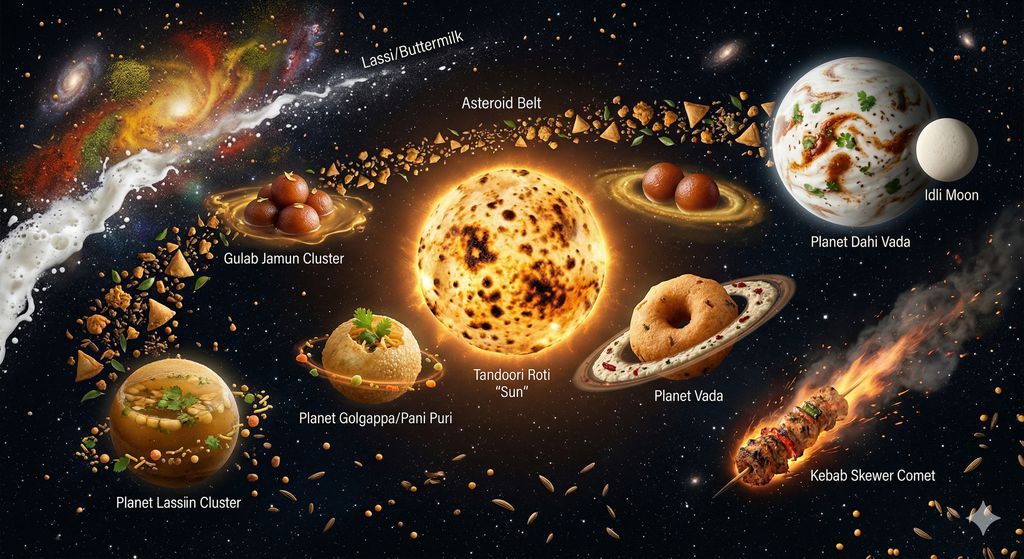
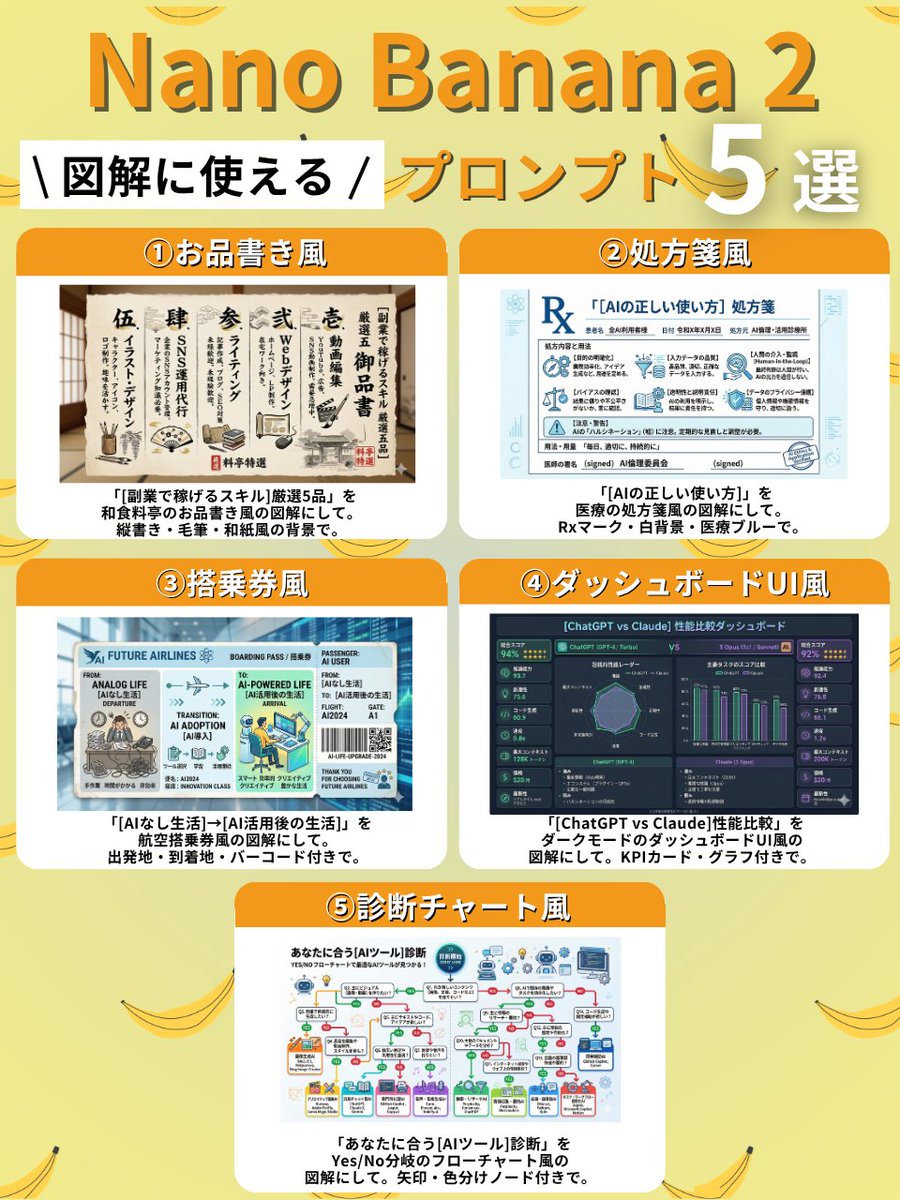
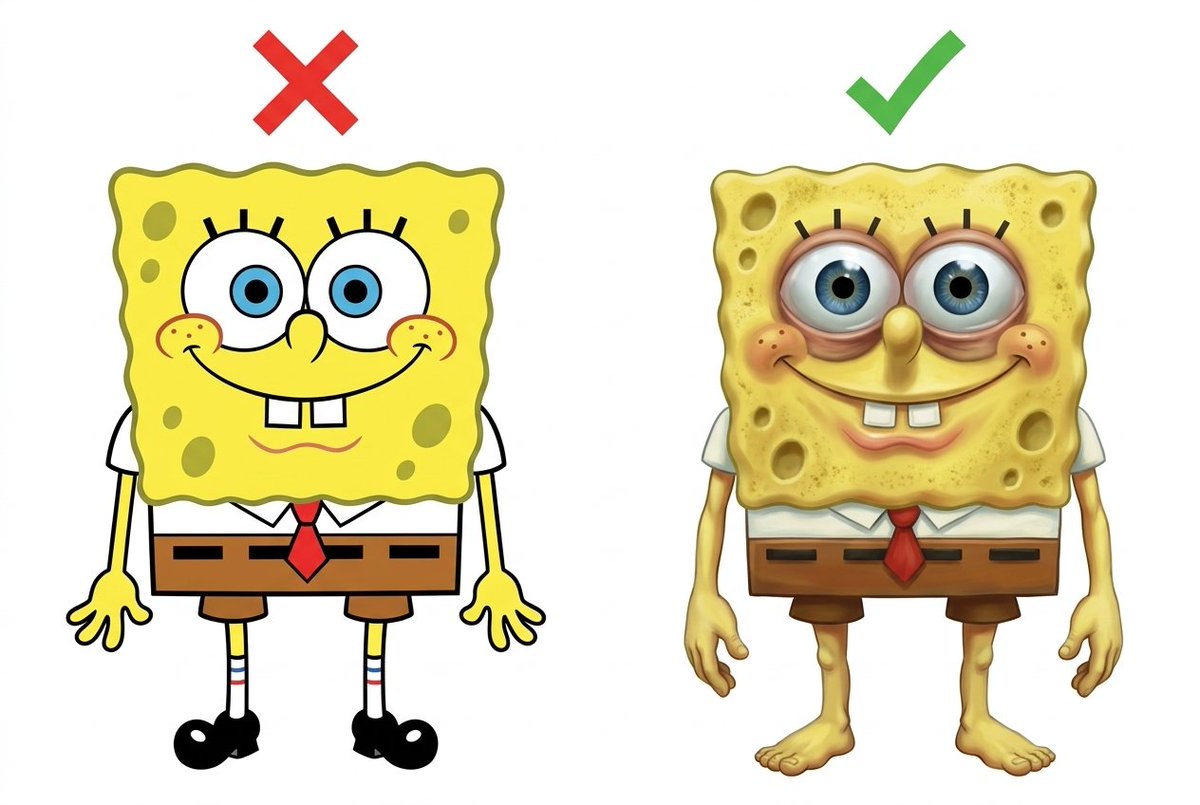
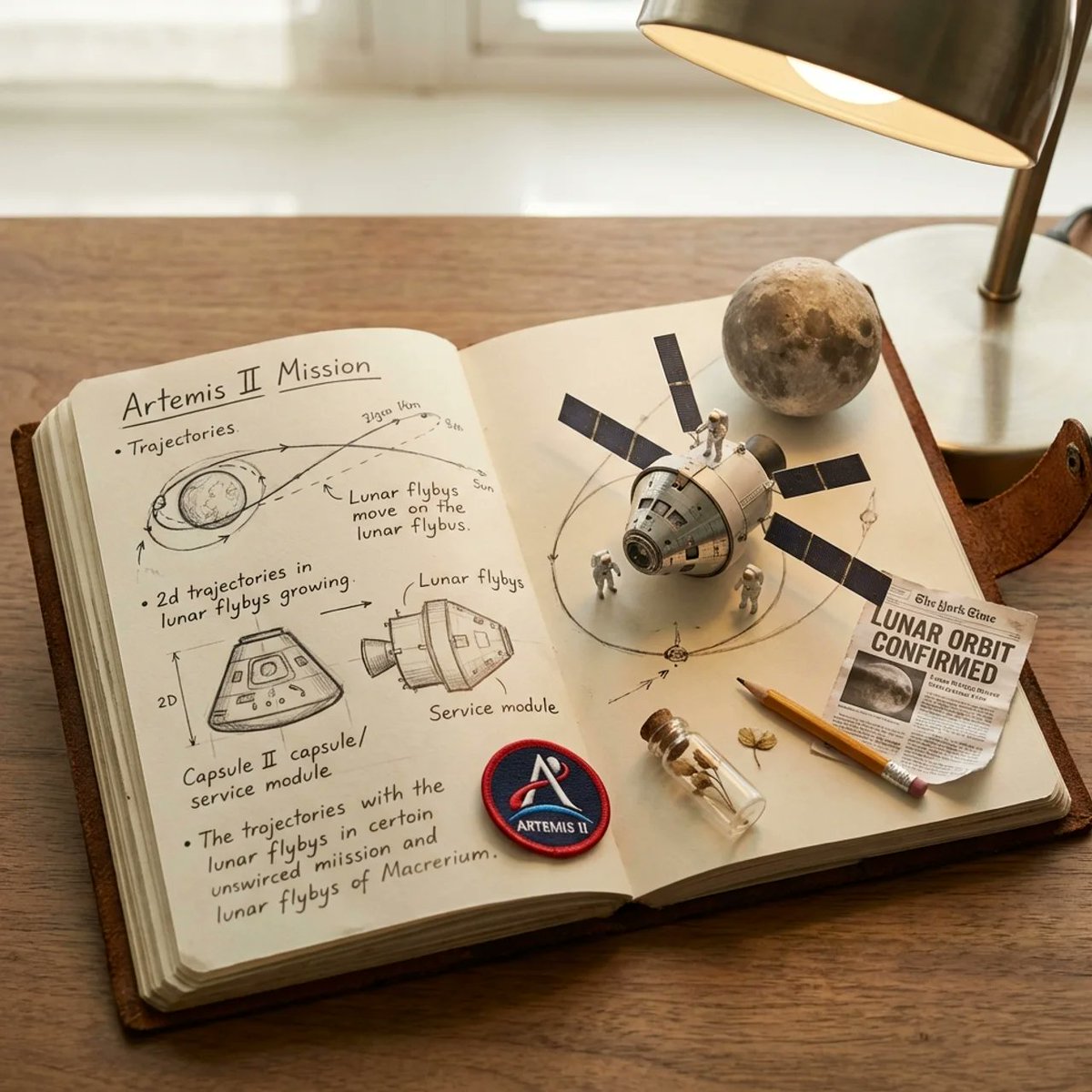
This library turns the homepage showcase into a practical prompt reference. Each example includes a finished image, a reusable prompt, and a direct path back to the generator so you can test the idea without rebuilding the brief from scratch.
Use the prompt as a structured brief, then replace the subject, language, layout, camera angle, lighting, or brand details. Keep the constraints that describe the visual job and change only the parts that belong to your project.
Choose a case that matches the job: portrait, product image, thumbnail, infographic, storyboard, or e-commerce asset.
Replace names, products, text, colors, aspect ratio, and reference-image instructions before generating.
The Use now button copies the prompt, sends it to the homepage generator, and lets you adjust one variable at a time.
It is a reusable image-generation brief that describes the subject, style, composition, lighting, output format, and constraints Nano Banana should follow.
Yes. Click Use now to copy the prompt and open it in the generator, then change the subject, text, style, or reference-image instructions.
Text-only prompts work well for many cases. Add a reference image when identity, product shape, pose, layout, or brand elements need to stay stable.
GPT Image 2 examples are useful when you want dense layouts, product diagrams, UI mockups, and structured prompt formats to compare against Nano Banana outputs.
GPT Image 2 Prompt Examples