Nano Banana AIImage Generator for creators

Nano Banana turns prompts and references into polished images in seconds.

Nano Banana cases

See what Nano Banana can turn into images

Browse 53 prompt-led image cases from portraits, product ads, infographics, thumbnails, storyboards, game assets, and e-commerce visuals.

We build image tools that move with your rhythm, not over it. Designed for ease, presence, and flow.

Nano Banana

Calm / Amplified

We make AI image tools and assistants. Most importantly, we help you remember what gentle creativity looks like when software carries the cognitive weight, so you can stay with what truly counts.

Software that flows with your ideas, not over them.

01

Text to Image

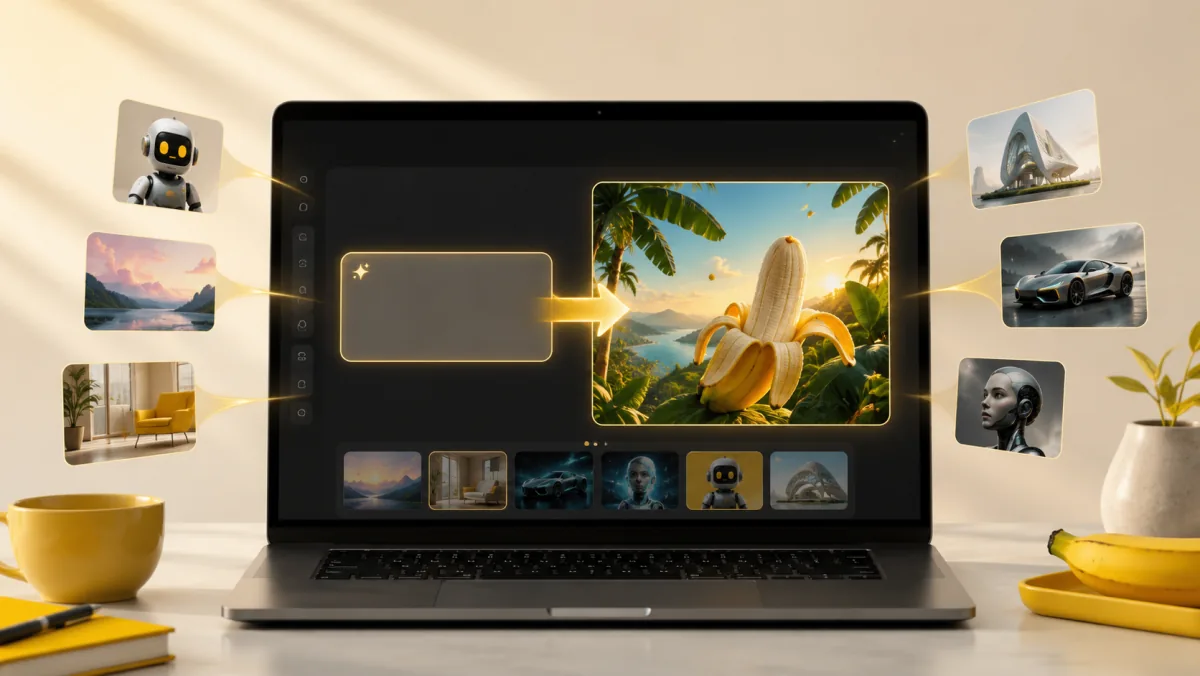
Nano Banana AI text to image feature showing a prompt becoming a polished generated image

Describe any scene in natural language and watch the nanobanana model bring it to life instantly.

02

Image to Image

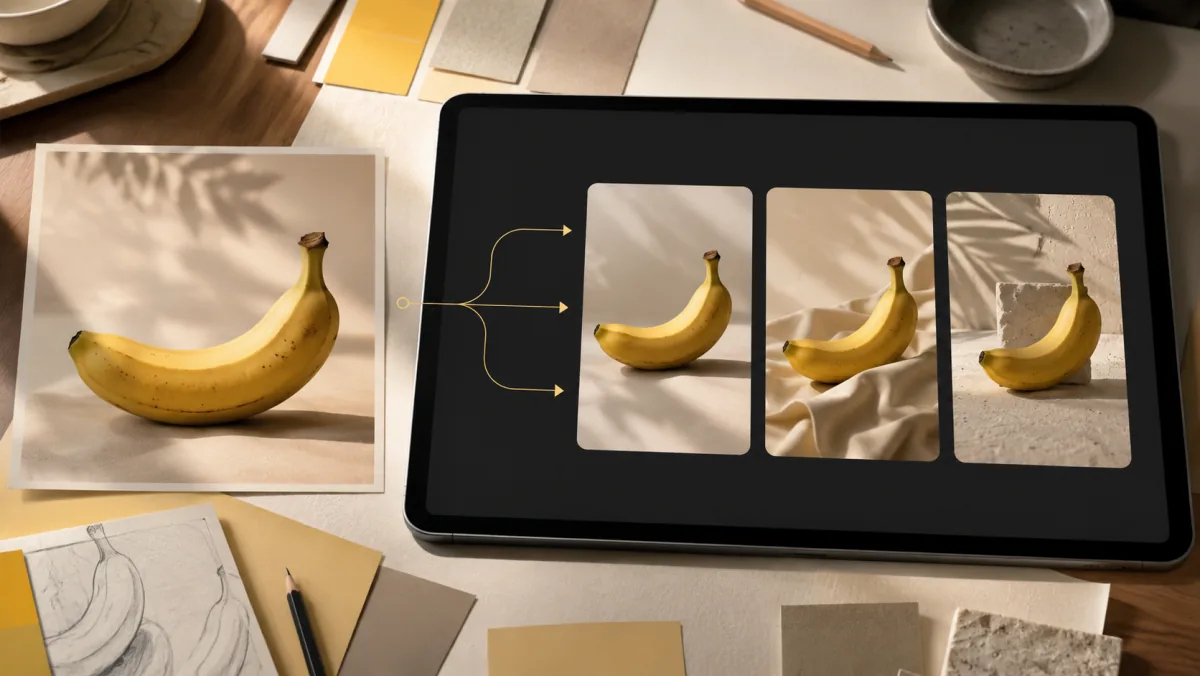
Nano Banana AI image to image feature showing one reference photo transformed into multiple visual variations

Upload a reference image and transform it with AI guidance while preserving style and structure.

03

High Quality Output

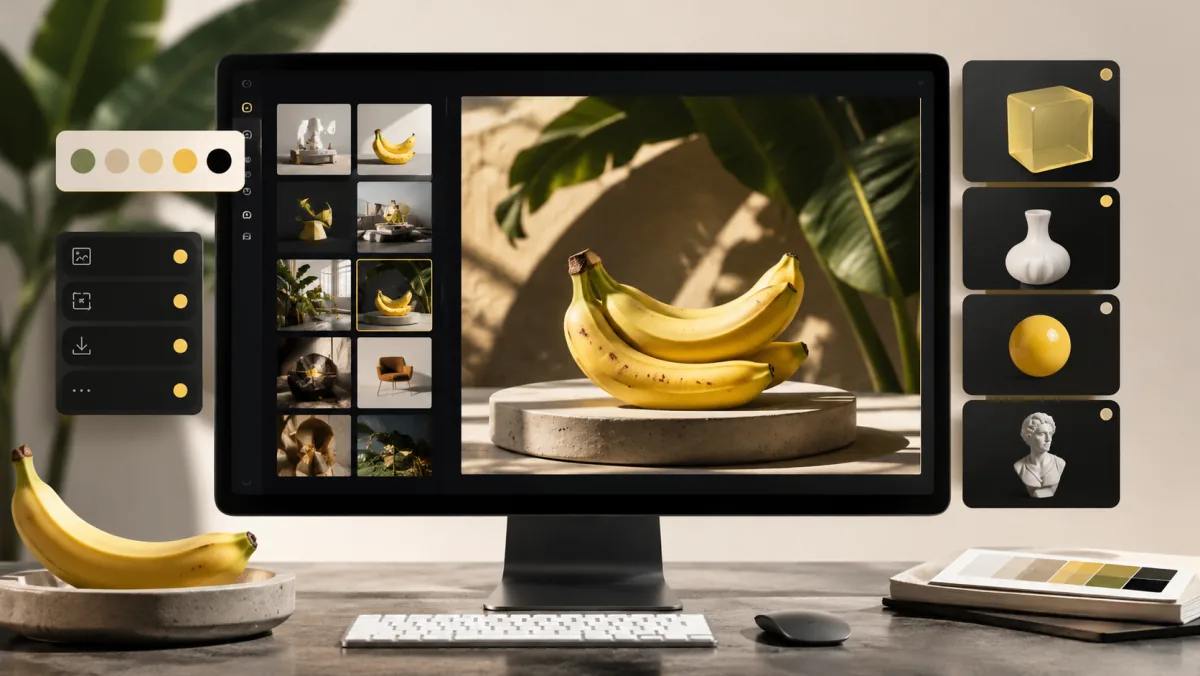
Nano Banana AI high quality output feature showing a sharp generated image gallery and export controls

Every generation produces crisp, detailed images ready for professional use, download, or sharing.

Model comparison

Choose the right Nano Banana model

NanoBanana is the platform. Inside the generator, the Nano Banana model family gives you four practical choices for different budgets, detail levels, and production moments.

The original Nano Banana model is the legacy option in the lineup. Keep it for older prompts or compatibility checks; for low-cost testing, start with Nano Banana 2 Lite.

Quick choice

Nano BananaUse for legacy prompts.
Nano Banana 2 LiteStart here for cheap tests.
Nano Banana 2Choose for balanced drafts.
Nano Banana ProUse for final-quality work.

Same prompt, four results

One product prompt across the model lineup

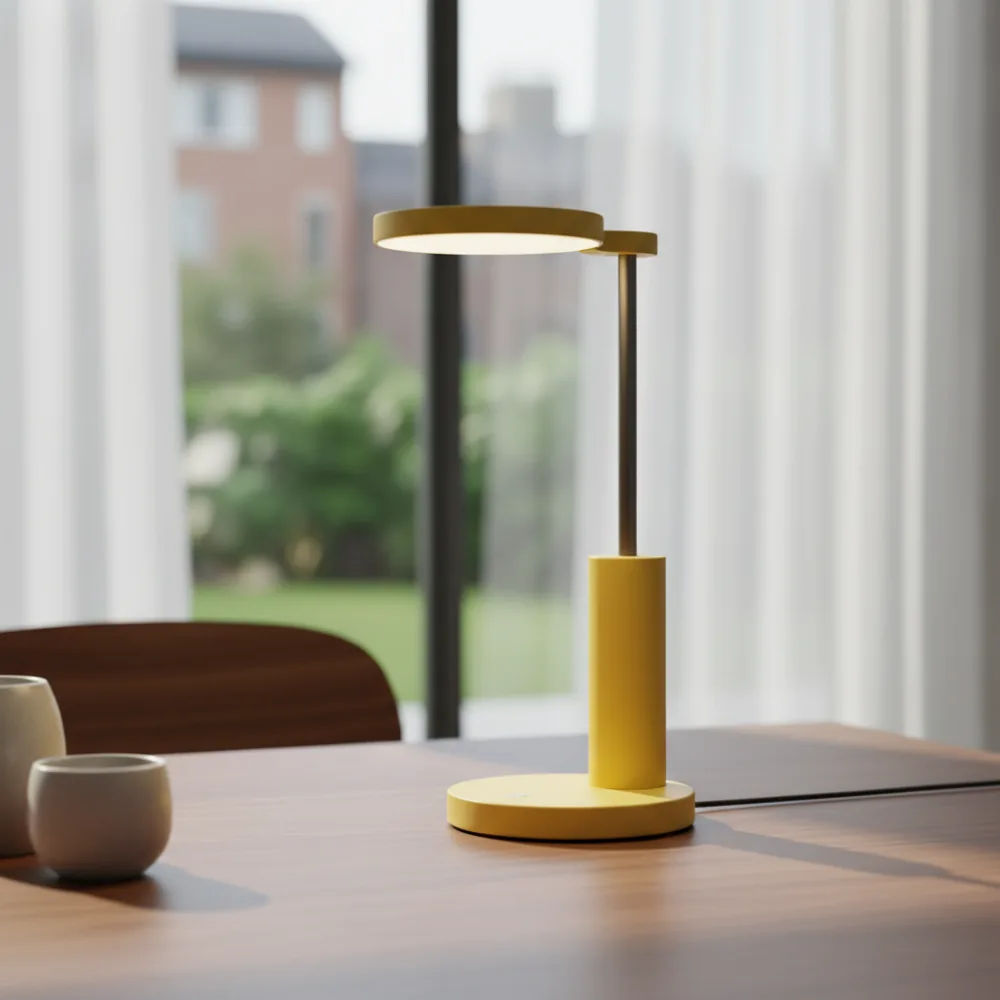
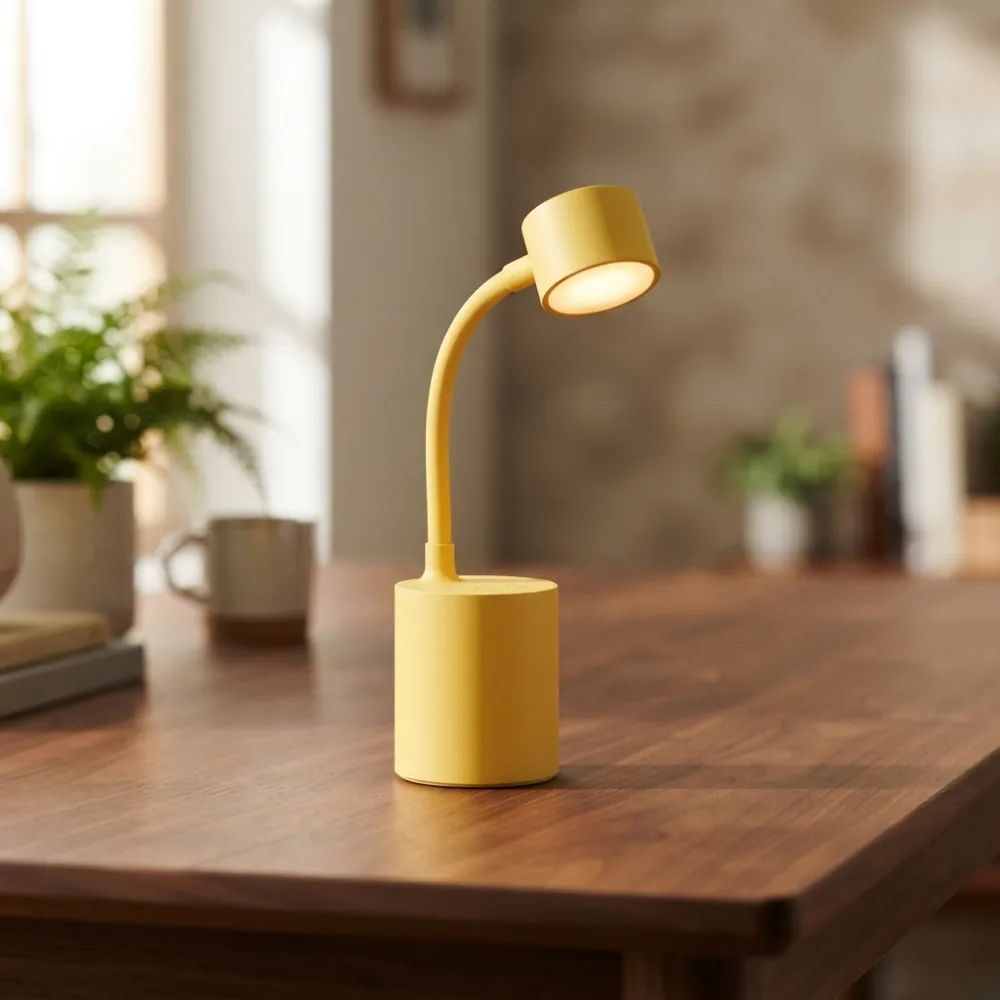
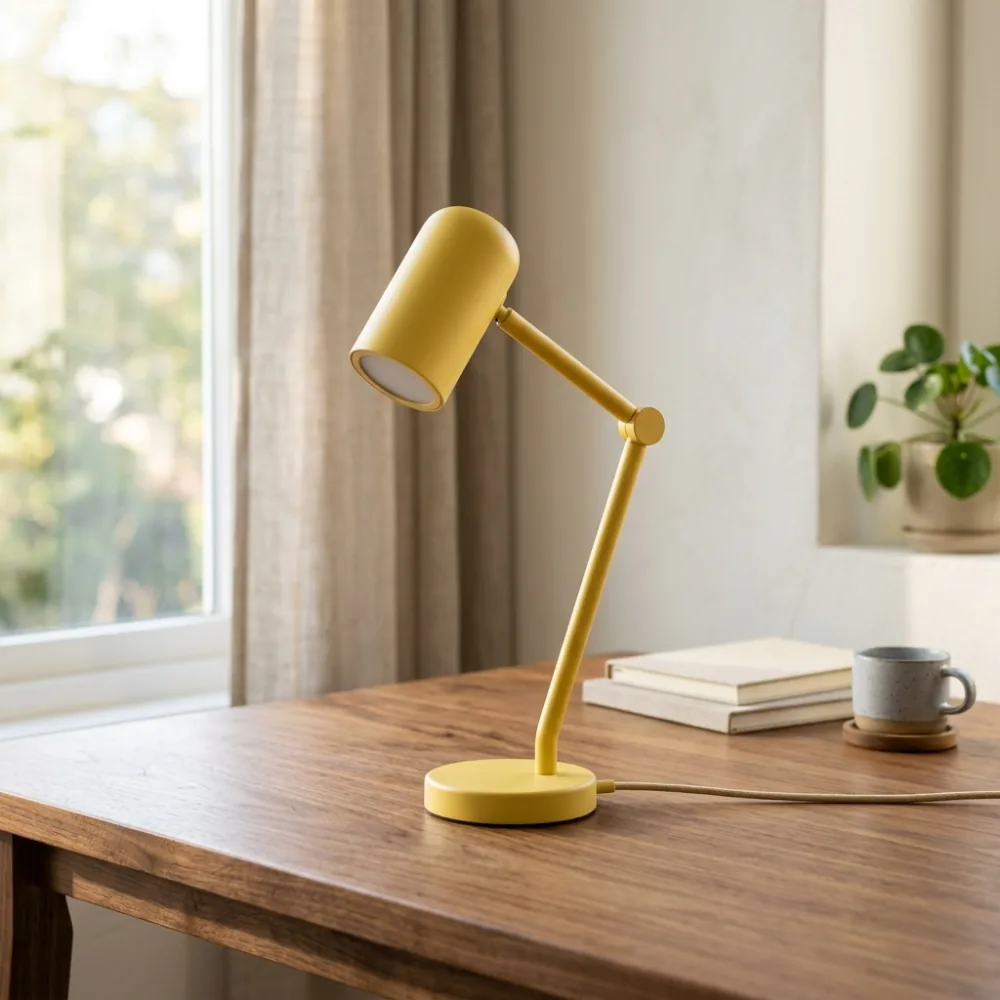
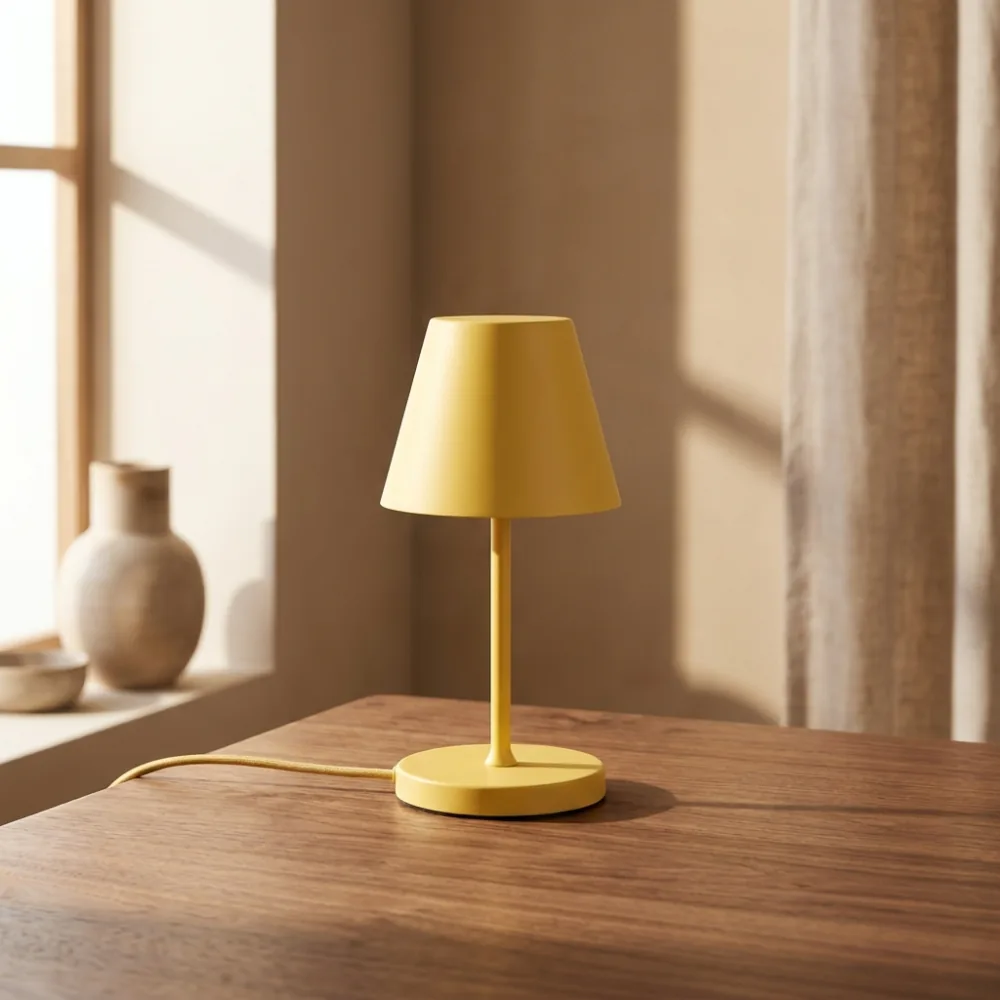
Each image uses the same smart desk lamp prompt, so the comparison stays easy to scan. Treat it as a practical example, not a fixed benchmark.

Same prompt result from the legacy Nano Banana image model
Nano Bananafrom 4 credits

A simple baseline for seeing how the original model interprets the prompt.

Same prompt result from Nano Banana 2 Lite for low-cost image testing
Nano Banana 2 Litefrom 3 credits

The lowest-credit option for trying wording, subject, lighting, and composition.

Same prompt result from Nano Banana 2 balanced image model
Nano Banana 25 / 8 / 12 credits

A stronger everyday choice when you need cleaner drafts and resolution control.

Same prompt result from Nano Banana Pro for polished final image output
Nano Banana Pro8 credits, 14 at 4K

Built for higher-fidelity final images where detail and finish matter most.

Nano Banana model comparison by use case, credits, reference images, prompt length, resolution, and output format
FeatureNano BananaNano Banana 2 LiteNano Banana 2Nano Banana Pro
Best forOlder prompts, baseline tests, and compatibility checks.Low-cost prompt testing, quick drafts, and early creative exploration.Balanced production drafts with more output control.Polished product images, marketing visuals, and 4K-ready final output.
Creditsfrom 4 creditsfrom 3 credits5 / 8 / 12 credits8 credits, 14 at 4K
Reference imagesUp to 10 images, 10MB eachUp to 10 images, 30MB eachUp to 14 images, 30MB eachUp to 8 images, 30MB each
Prompt limitUp to 5000 charactersUp to 20000 charactersUp to 20000 charactersUp to 10000 characters
ResolutionStandard generationStandard generation1K / 2K / 4K output1K / 2K / 4K output
OutputPNG / JPEGAuto outputPNG / JPGPNG / JPG

Nano Banana guide

A practical Nano Banana workspace for real image work

Nano Banana works best when image generation is treated as a repeatable workflow, not a one-shot surprise. Use it to explore a concept, tighten a reference image, compare styles, and keep useful prompt language close to the generator.

The core choice is simple: use text-to-image when you need a fresh visual from a written idea, and image-to-image when a face, product, layout, or mood should stay recognizable. The sections below help you choose the right workflow before spending credits on a final image.
Portraits and avatars

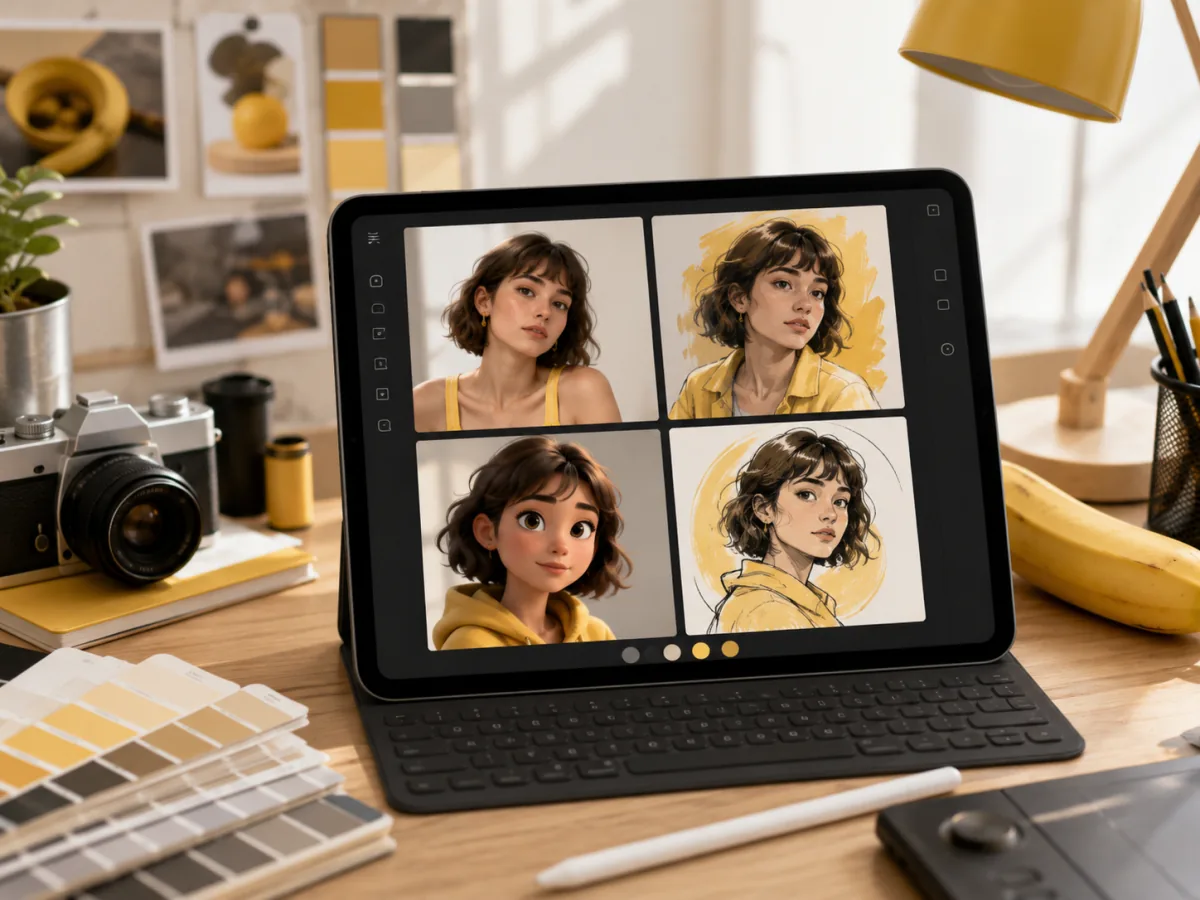
Create profile images, character portraits, editorial headshots, and stylized avatars from a prompt or a reference image. Nano Banana can help test lighting, wardrobe, background, and mood before you commit to a final direction.

Nano Banana AI image generator portrait and avatar workflow with consistent style variations

Product and e-commerce

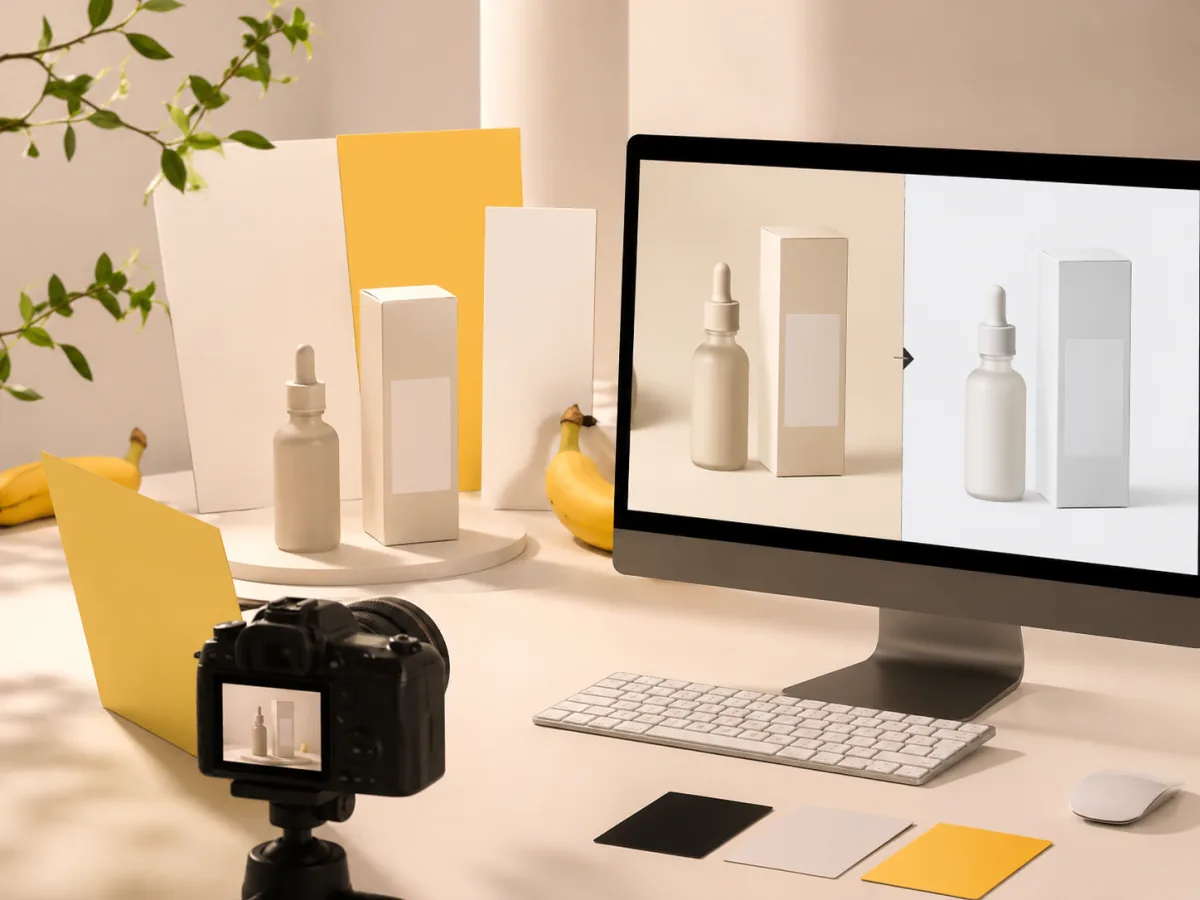
Turn product photos or rough ideas into clean product shots, seasonal campaign visuals, ad concepts, and marketplace images. Use reference-guided generation when the product shape, color, or label needs to stay consistent.

Nano Banana AI image generator ecommerce product photo workflow with clean before and after concepts

Social thumbnails and ads

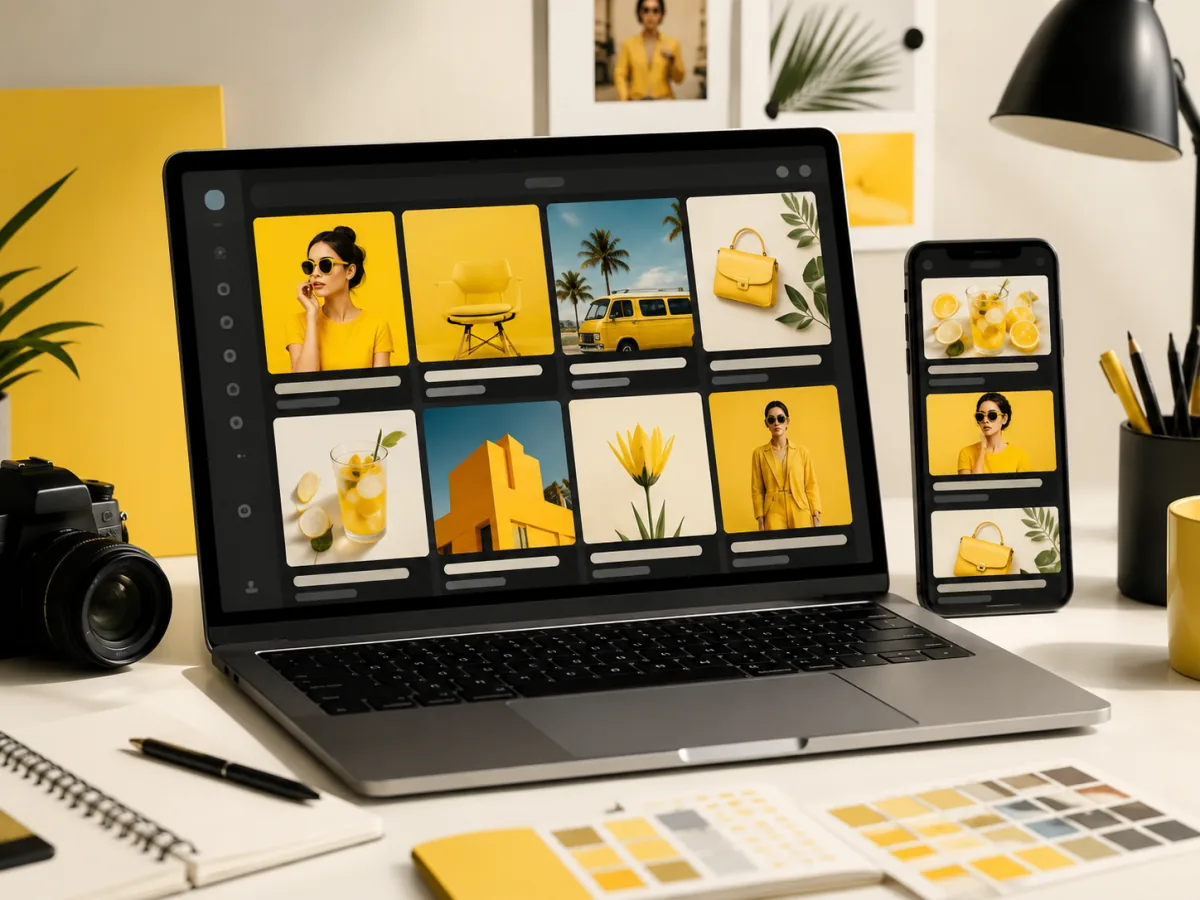
Draft thumbnails, quote cards, launch graphics, posters, and paid social concepts without opening a full design suite. Nano Banana is useful when you need multiple visual angles around the same campaign message.

Nano Banana AI image generator social thumbnail and ad concept workflow on desktop and mobile screens

Storyboards and visual notes

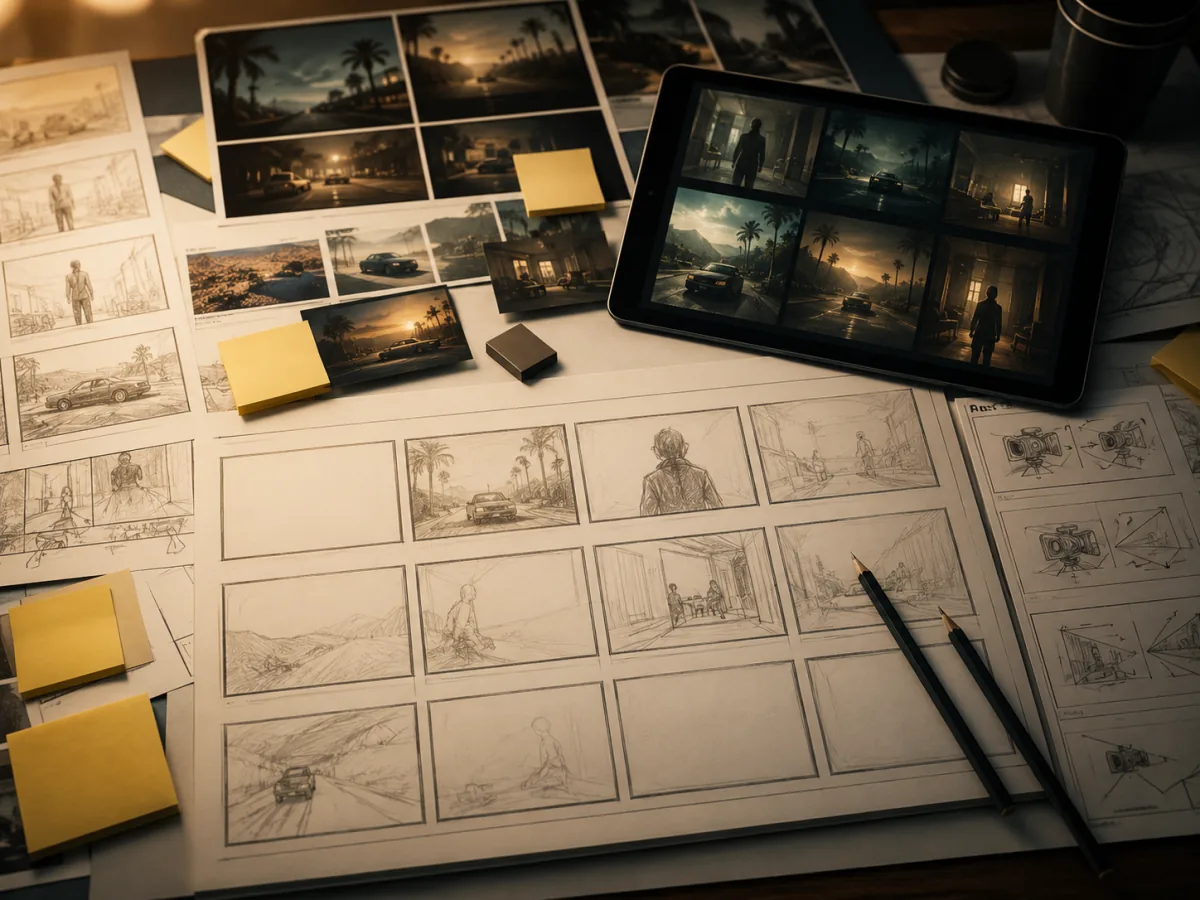
Use Nano Banana to sketch scenes, moodboards, game assets, article headers, and storyboard panels. A fast visual draft helps teams align on composition, tone, and references before production work begins.

Nano Banana AI image generator storyboard workflow with scene drafts and visual reference panels

How to get stronger Nano Banana results

A good Nano Banana prompt describes both the subject and the job the image needs to do. The generator responds better when you give it useful constraints: who or what is in frame, the format, the lighting, the style, the background, and the reason the image exists.

01

Start with a clear creative brief

Write the subject first, then add scene, camera angle, lighting, material, color palette, and output format. Instead of asking for a generic beautiful image, tell Nano Banana whether the result should feel like a product hero shot, a creator thumbnail, a cinematic portrait, or a clean editorial illustration.

02

Add references when identity matters

Upload a reference image when the face, pose, object, logo placement, room layout, or product silhouette should remain close to the source. Reference-guided prompts are strongest when you say what to preserve and what to change, such as keeping the product shape while changing the background and lighting.

03

Review, download, and refine

Treat the first result as a direction. If the composition works, keep the useful phrasing and adjust one variable at a time: crop, style, color, lighting, or level of detail. This makes Nano Banana easier to control across a batch of related images.

Creator evaluation

What to check before production

Compare Nano Banana drafts by intent, reference consistency, and campaign fit so you can decide which direction is ready for a post, product page, ad concept, or client review.

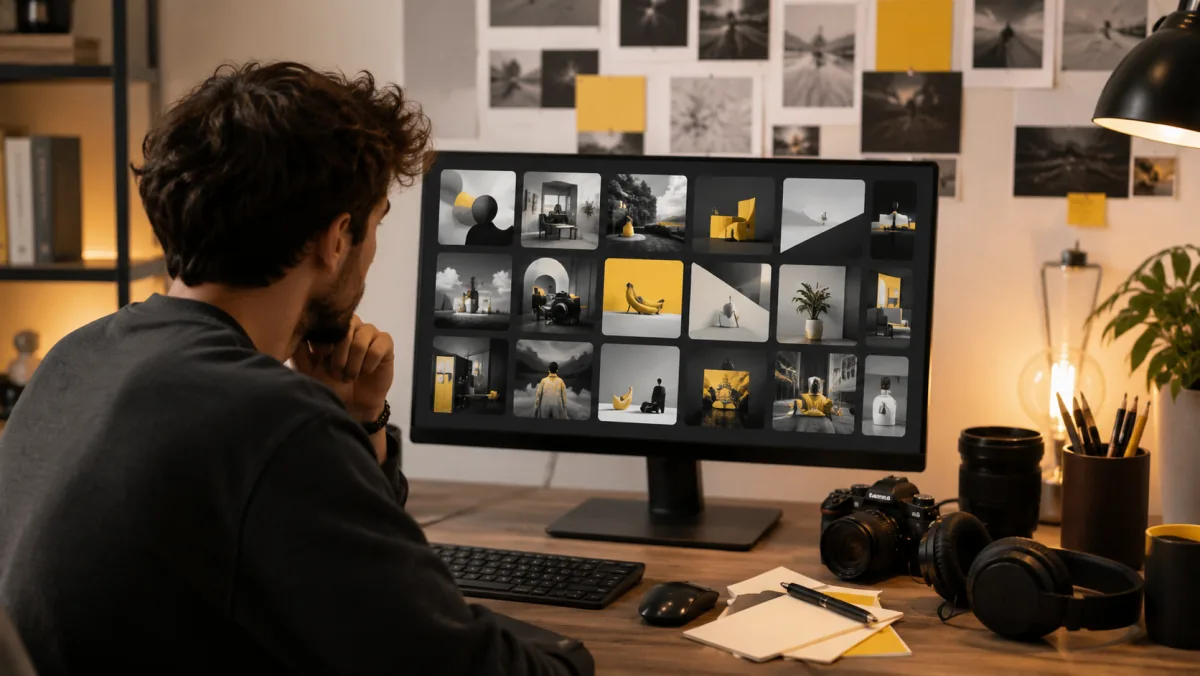
Move from a rough caption idea to several thumbnail directions before committing to one.

Creators can compare framing, color, mood, and subject placement quickly, then keep the best result as a draft for a final post, channel banner, or campaign asset.

Content creator workflow

Nano Banana AI image generator creator workflow reviewing generated thumbnail concepts

Reference images make product experiments feel more controlled when the item shape needs to stay familiar.

Use Nano Banana to test seasonal backgrounds, marketplace concepts, hero images, and ad angles while keeping the product visually recognizable.

E-commerce product workflow

Nano Banana AI image generator ecommerce workflow reviewing product image variations

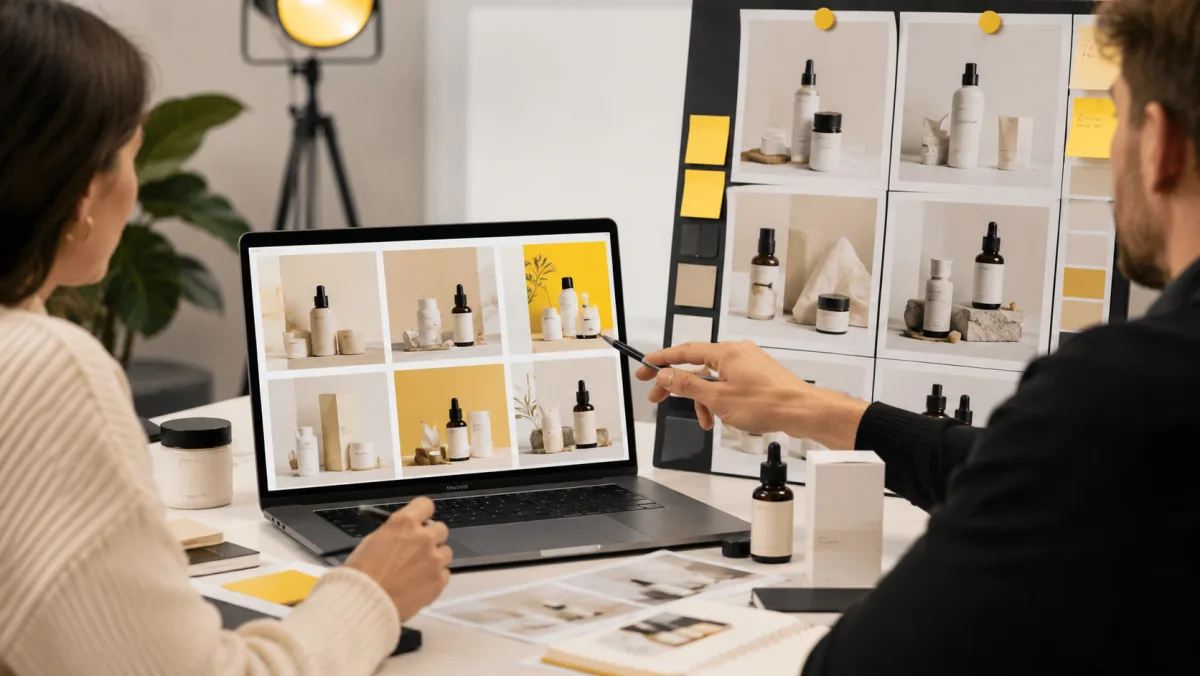
Use Nano Banana as a visual sketchpad when a team needs to align on direction before opening heavier design tools.

Designers and marketers can use generated drafts to discuss composition, style, color, and message fit before spending time on final artwork.

Brand design workflow

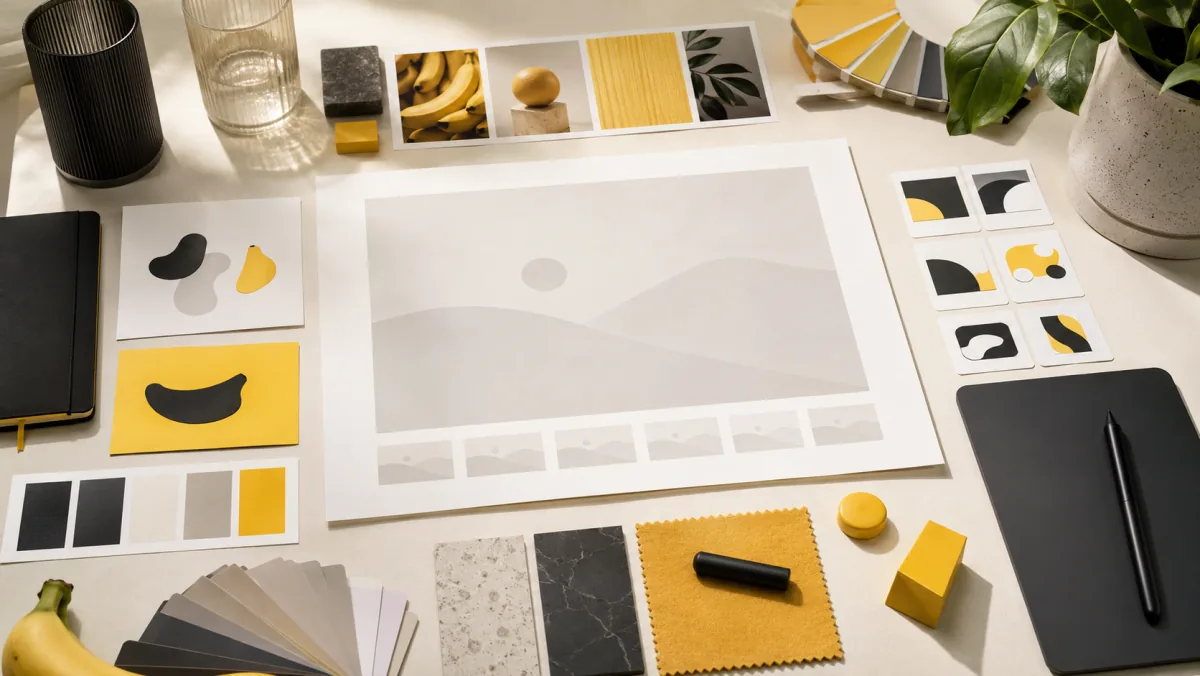
Nano Banana AI image generator brand design workflow with moodboard cards and color palettes

Nano Banana Pricing | AI Image Credits

Compare Nano Banana image credits, monthly plans, and one-time packs. Pay only for generated images, or subscribe for the best rate.

Frequently asked questions

Everything you need to know about Nano Banana.

Turn your ideas into images.

Start generating stunning AI images with the nanobanana model — from a single prompt, in seconds.